Hey Elementors,
showing your latest Facebook posts on your website keeps it fresh without extra work: you post on Facebook, and the feed on your site updates automatically. Elementor has a Facebook Page widget in Pro, but it’s the standard Facebook box. With an addon you can display the posts in your own design – as a grid, a list or a carousel.
These four addons have a Facebook feed widget worth comparing.
... solution for Facebook Feed Widget
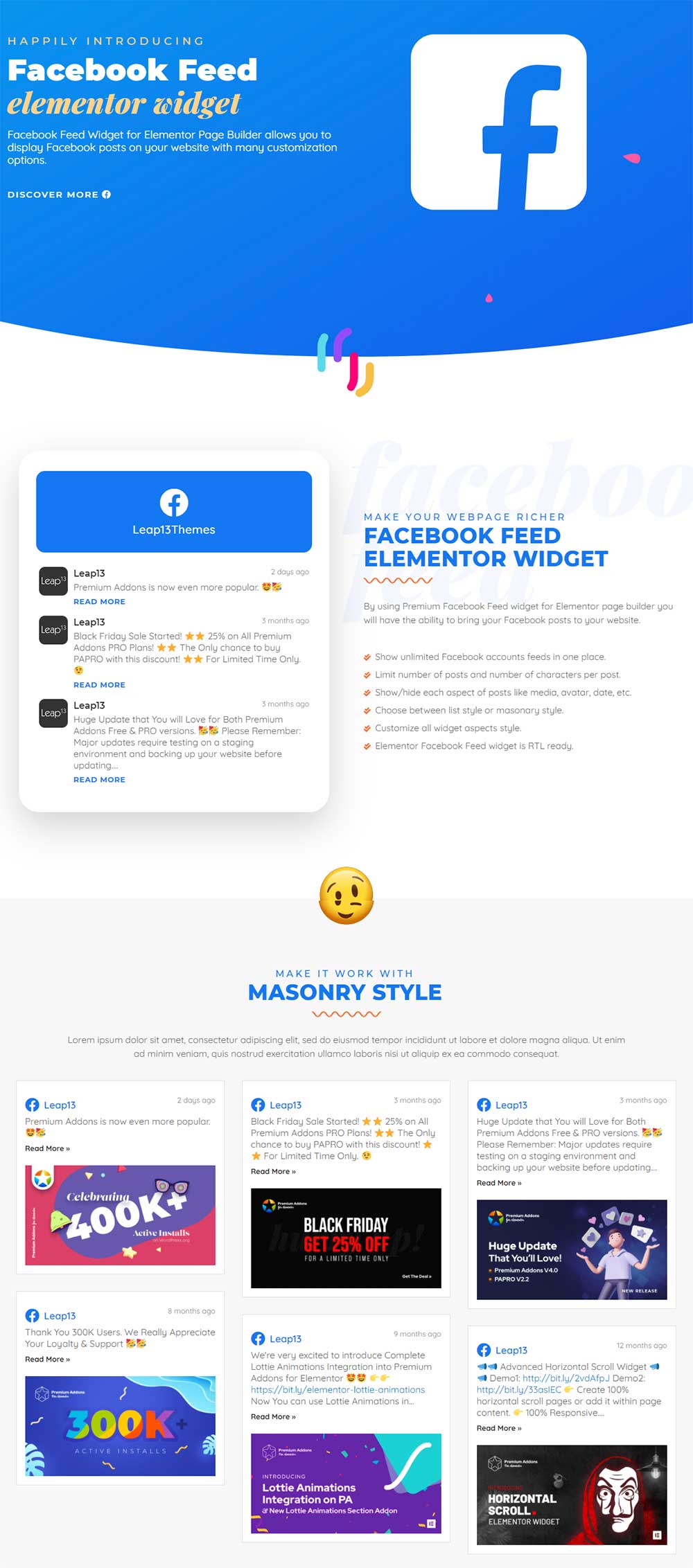
Premium Addons has one of the most flexible Facebook feed widgets. You can show posts from more than one Facebook page, limit the number of posts and the text length, and choose between different layouts.
Good if you want full control over what is shown and how much of it.
... solution for Facebook Feed Widget
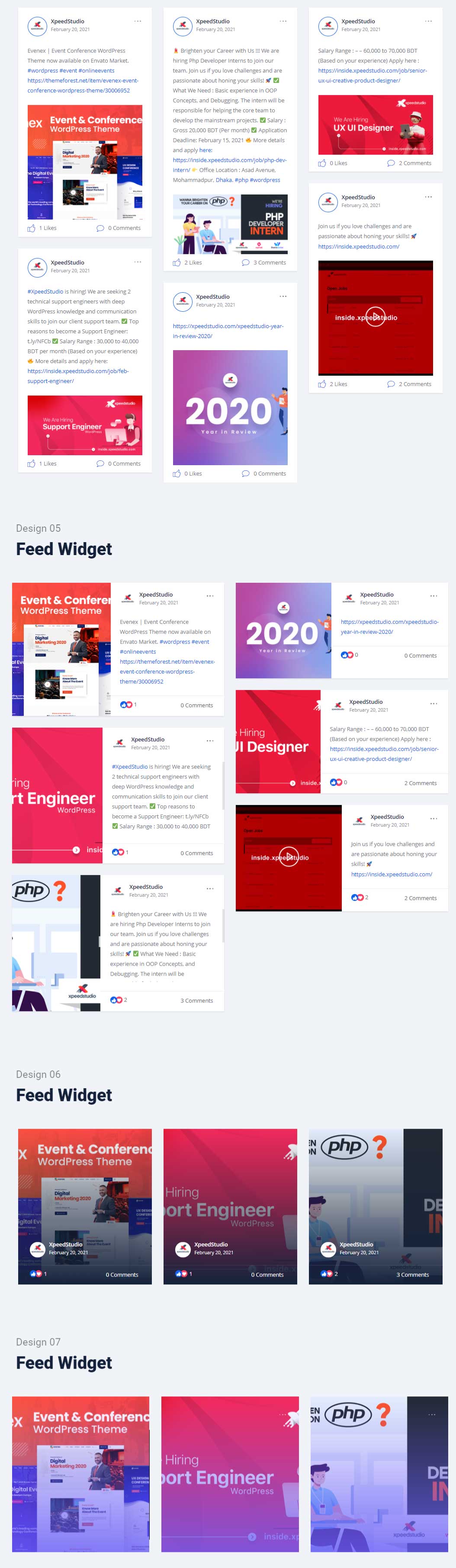
ElementsKit’s Facebook feed comes with several ready-made designs. You pick a style, connect your page and you’re done – great if you want a good-looking feed quickly.
ElementsKit also has feeds for other social networks, so you can keep a consistent look across all of them.
... solution for Facebook Feed Widget
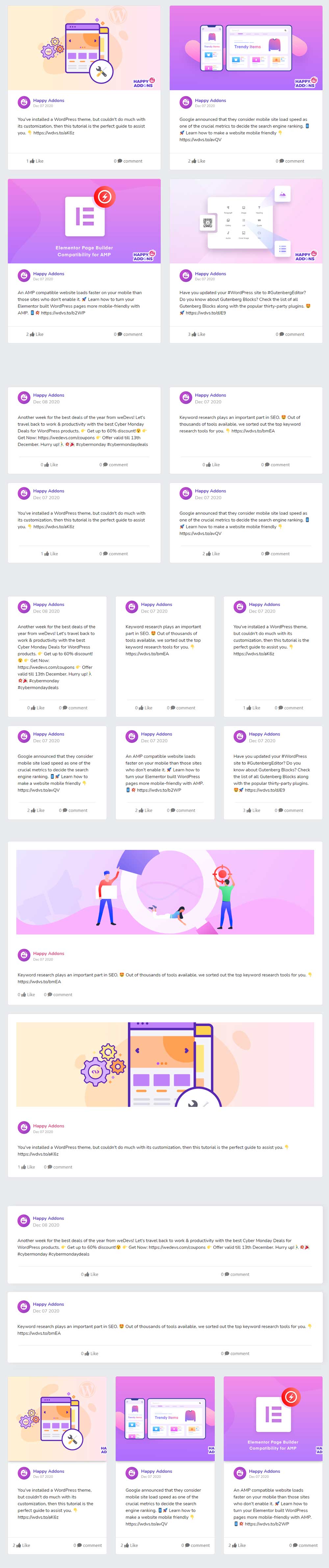
HappyAddons offers a Facebook feed widget with a simple setup and several layout options. You can decide which post elements to show – for example image, text, date or likes – and style the cards to match your site.
A solid choice if you already use HappyAddons and want everything in one addon.
... solution for Facebook Feed Widget
Essential Addons has a Facebook Feed widget with grid and masonry layouts. You can customize the cards, choose which details are visible and load more posts with a button.
Since Essential Addons is one of the most used Elementor addons, there’s a lot of documentation and help available if you get stuck.
All four widgets do the job – the choice mostly depends on which addon you already use. If you want the most control, I’d take Premium Addons. For a quick, pretty result, ElementsKit is great.
One thing to know before you start: for all of them you’ll need to connect your Facebook page (usually with an access token). Plan a few minutes for this step and check the addon’s documentation – Facebook changes its rules from time to time.
Element Pack ⁵Demo1 Demo2 Demo3 Demo4 Demo5
Livemesh Addons ²Demo1 Demo2
HappyAddons ²Demo1 Demo2
PowerPack ²Demo1 Demo2
Ultimate Addons
Essential Addons
HT Mega ³Demo1 Demo2 Demo3
ElementsKit
Piotnet Addons
The Plus ²Demo1 Demo2
Crocoblock
Unlimited Elements ²Demo1 Demo2
Essential Addons
Element Pack
HT Mega
ElementsKit
WooLentor ²Demo1 Demo2
Essential Addons
HT Mega ³Lightbox Modal Notification
Dynamic.ooo ²Demo1 Demo2
HappyAddons ²Demo1 Demo2
Piotnet Addons
ElementsKit
Unlimited Elements
Essential Addons
The Plus ²Piechart Progress_Bar
HappyAddons
HT Mega
Element Pack ²Progress_Bar Progress_Pie
Livemesh Addons
Piotnet Addons