Hey Elementors,
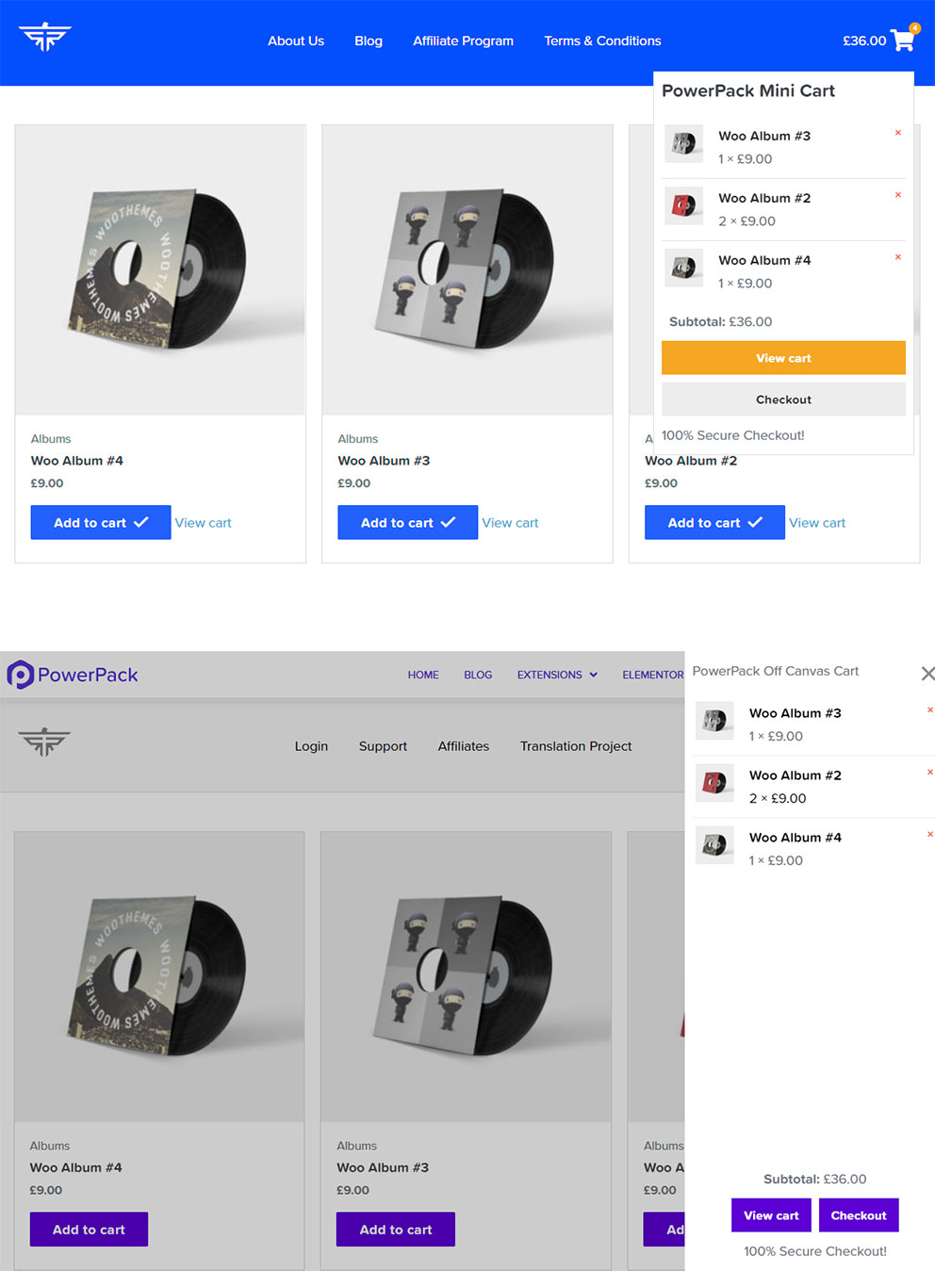
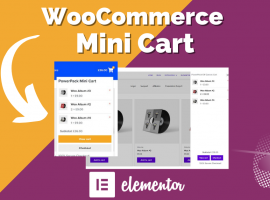
a mini cart shows customers what’s in their basket without leaving the page – usually as a small icon in the header that opens a dropdown or side panel. Elementor Pro has a Menu Cart widget, but addons offer more layouts and offcanvas carts.
These three mini cart widgets are worth a look.
... solution for WooCommerce – Mini Cart Widget
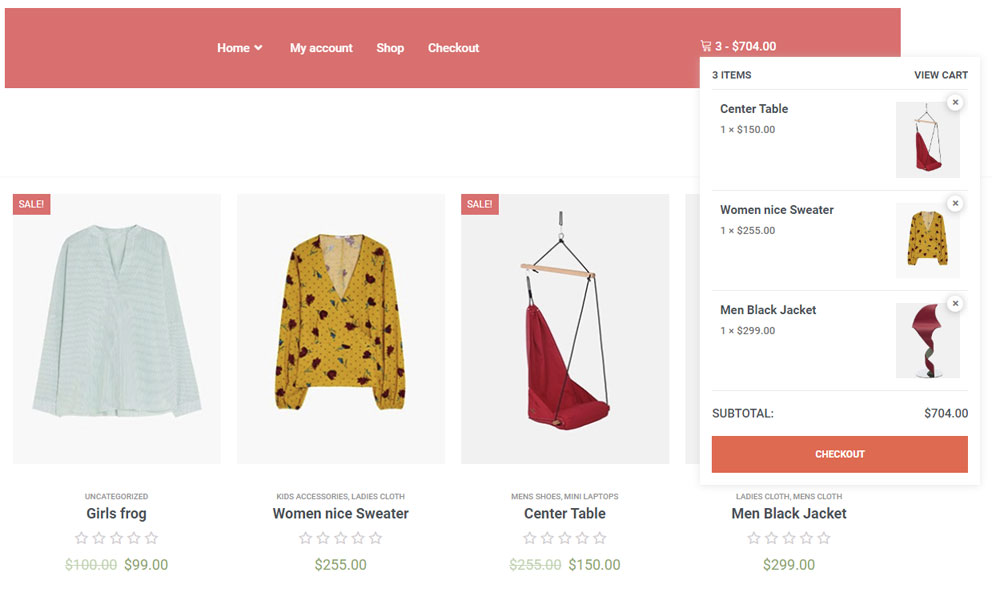
The Shopping Cart widget is a useful tool for any Elementor online store that makes it easy to show the number of the chosen items and the total sum. It can be very convenient for the user to continue viewing the goods on the site and have a constant look at the total price.
... solution for WooCommerce – Mini Cart Widget
WooCommerce Mini Cart is one of the most important parts of your Elementor website. Most of your potential buyers are lost due to cart abandonment. So check out the Mini Cart from Elementskit and increase your WooCommerce sales.
All three are good options – choose the one that matches the addon you already use for your shop. An offcanvas cart that slides in from the side usually works best on mobile.
My tip: show the cart total and a clear checkout button in the mini cart. Every extra click before checkout costs you sales.
Element Pack ⁵Demo1 Demo2 Demo3 Demo4 Demo5
Livemesh Addons ²Demo1 Demo2
HappyAddons ²Demo1 Demo2
PowerPack ²Demo1 Demo2
Ultimate Addons
Essential Addons
HT Mega ³Demo1 Demo2 Demo3
ElementsKit
Piotnet Addons
The Plus ²Demo1 Demo2
Crocoblock
Unlimited Elements ²Demo1 Demo2
Essential Addons
Element Pack
HT Mega
ElementsKit
WooLentor ²Demo1 Demo2
Essential Addons
HT Mega ³Lightbox Modal Notification
Dynamic.ooo ²Demo1 Demo2
HappyAddons ²Demo1 Demo2
Piotnet Addons
ElementsKit
Unlimited Elements
Essential Addons
The Plus ²Piechart Progress_Bar
HappyAddons
HT Mega
Element Pack ²Progress_Bar Progress_Pie
Livemesh Addons
Piotnet Addons