Elementor  Crocoblock  The Plus  Premium Addons  ElementsKit  Ultimate Addons  Element Pack  Essential Addons  Unlimited Elements  PowerPack  HT Mega 

WooCommerce Filters

Elementor Addons for "WooCommerce Filters" - Widget Compared

Hey Elementors,

as soon as your shop has more than a handful of products, filters become essential. Customers want to narrow down by category, price, color or rating – and they want results immediately, without the page reloading every time. Elementor itself doesn’t come with product filters, so this is a classic case for an addon.

Here are four solutions I’d consider for WooCommerce filters.

Crocoblock ²Demo1   Demo2
WooLentor ²Vertical   Horizontal
The Plus ³Demo1   Demo2   Demo3

... solution for WooCommerce Filters Widget

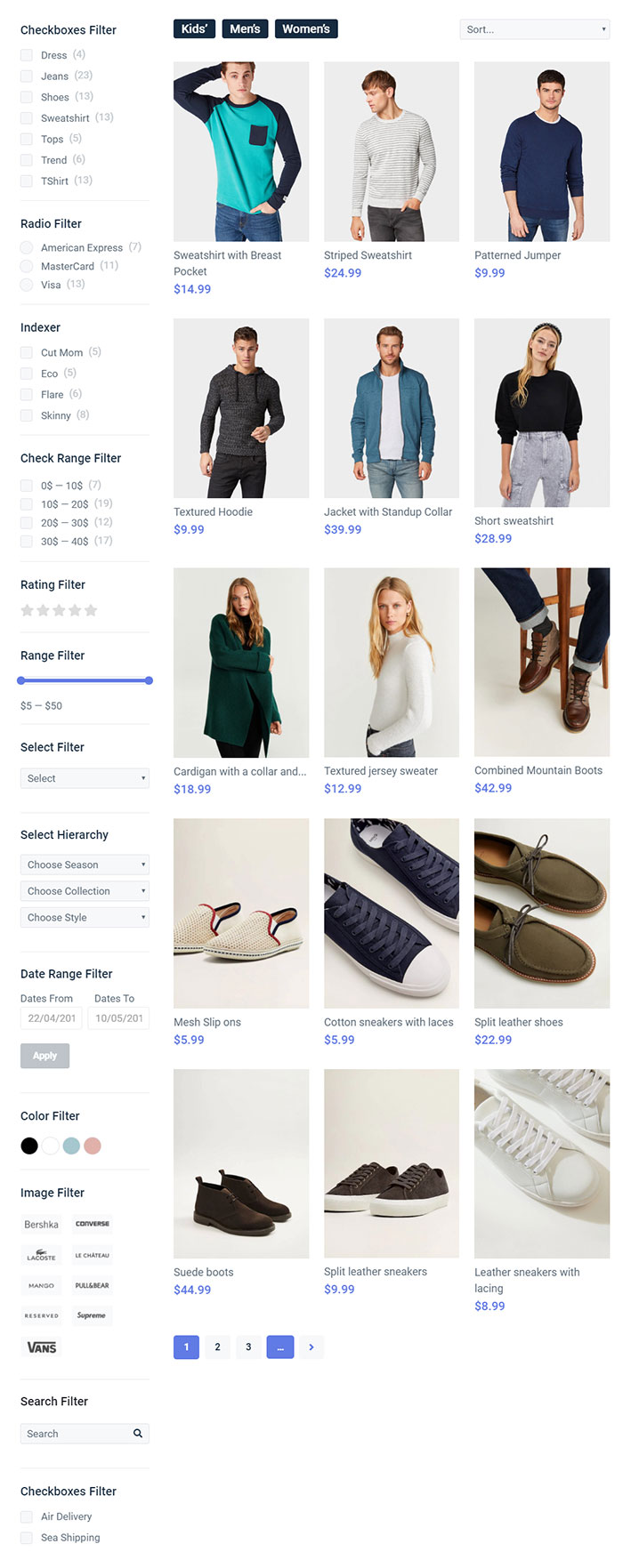
JetSmartFilters from Crocoblock is the most powerful filter plugin in this list. You get checkbox, select, radio, range, rating, date and search filters, and the results update via AJAX without a page reload. Pagination, sorting and “active filters” tags are included too.

It works with WooCommerce product grids and also with JetEngine listings – so you can filter almost any content on your site, not only products.


Demo

... solution for WooCommerce Filters Widget

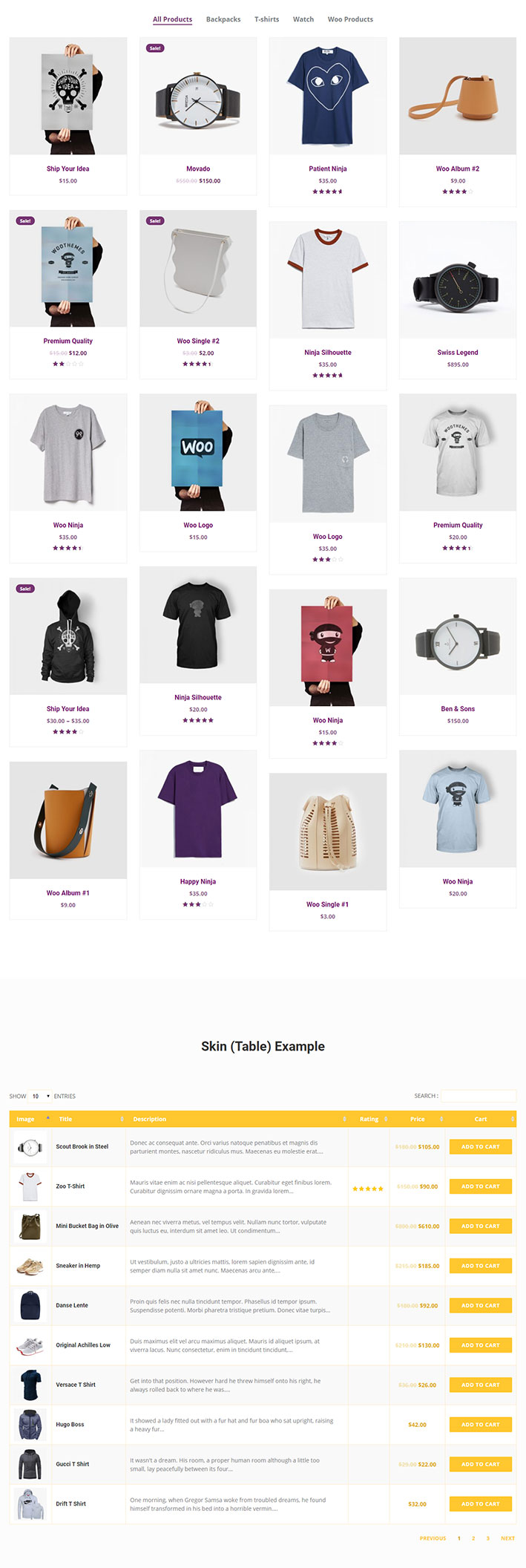
The Plus has its own search and filter widgets that you can combine with its product listing. The big plus: the listing itself can be shown as grid, masonry, metro or carousel, and you get a lot of style options to make filters and products match your design.

A good option if you already use The Plus and want filters that look a bit more special than the standard sidebar.

Demo

... solution for WooCommerce Filters Widget

Element Pack comes with filter options for its WooCommerce product widgets, so you can let visitors sort and filter products directly in the grid. The settings are easy to understand and the design is fully adjustable.

If you only need simple category filters and already have Element Pack, you probably don’t need an extra filter plugin.

Demo

... solution for WooCommerce Filters Widget

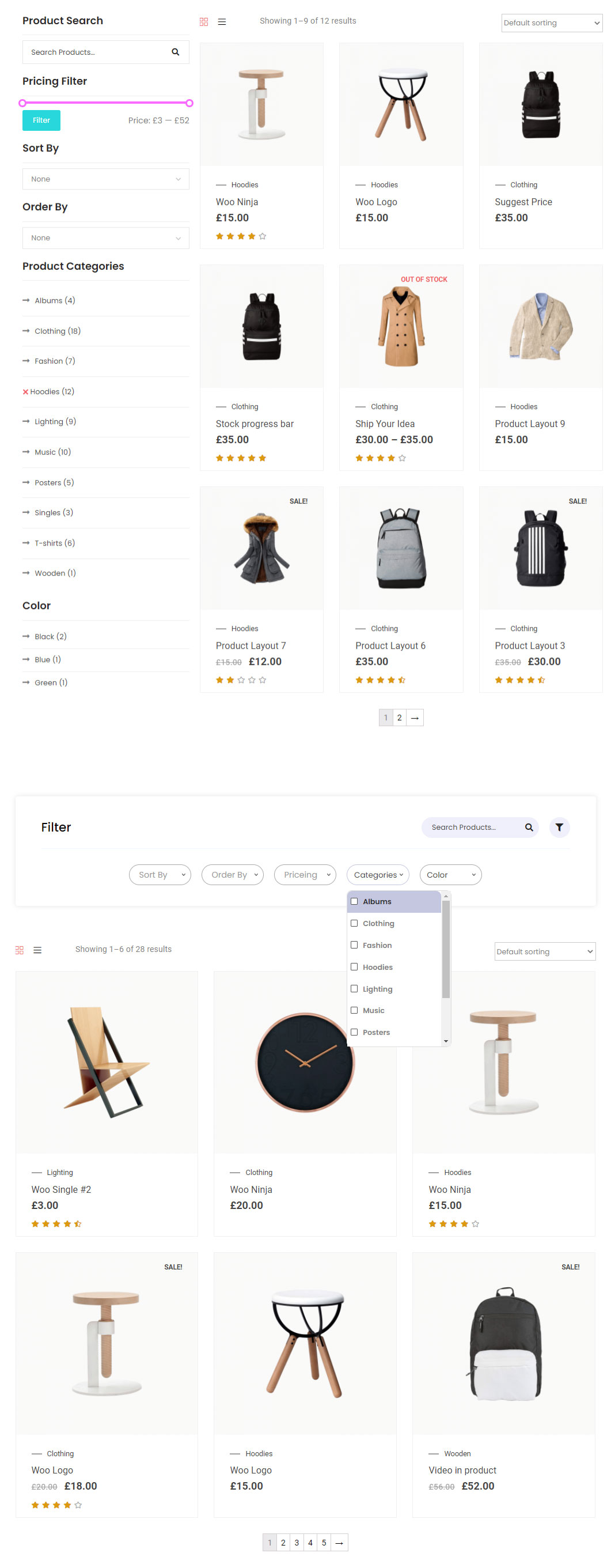
WooLentor is a WooCommerce-focused addon, and the filters are part of the package: product categories, price, attributes and more. You can place them in a sidebar or above the product grid.

Since WooLentor also offers shop and product page templates, it’s a nice all-in-one choice for smaller shops.

Demo

Conclusion

... of all demo pages for "WooCommerce Filters" Widget

Crocoblock ²Demo1   Demo2
WooLentor ²Vertical   Horizontal
The Plus ³Demo1   Demo2   Demo3

If filtering is really important for your shop (many products, many attributes), I’d go with JetSmartFilters – it’s the most flexible solution here. For smaller shops, the filters in WooLentor, The Plus or Element Pack are often completely enough.

Tip: don’t offer too many filters at once. Three to five well-chosen filters help customers more than a long list.

Explore Further Widgets & Extensions

Categories