Elementor  Crocoblock  The Plus  Premium Addons  ElementsKit  Ultimate Addons  Element Pack  Essential Addons  Unlimited Elements  PowerPack  HT Mega 

Iframe

Elementor Addons for "Iframe" - Widget Compared

Hey Elementors,

sometimes you simply want to show content from another website on your page: a booking tool, a calculator, a form from an external service or a document. That’s what an iframe is for. In Elementor you can paste iframe code into the HTML widget, but a dedicated iframe widget is more comfortable – you just enter the URL and set the size, and it stays responsive.

Here are two iframe widgets worth a look.

Dynamic.ooo ²Iframe   Remote_Content

... solution for Iframe Widget

The iFrame widget from Element Pack is the more complete option. You enter the URL of the page you want to embed and can then control height, scrollbars, lazy loading and alignment. It also handles typical embeds like YouTube or Vimeo videos, Spotify or SoundCloud audio and maps.

Lazy loading is the feature I’d always turn on: the iframe only loads when a visitor scrolls to it, so your page stays fast.


Demo

... solution for Iframe Widget

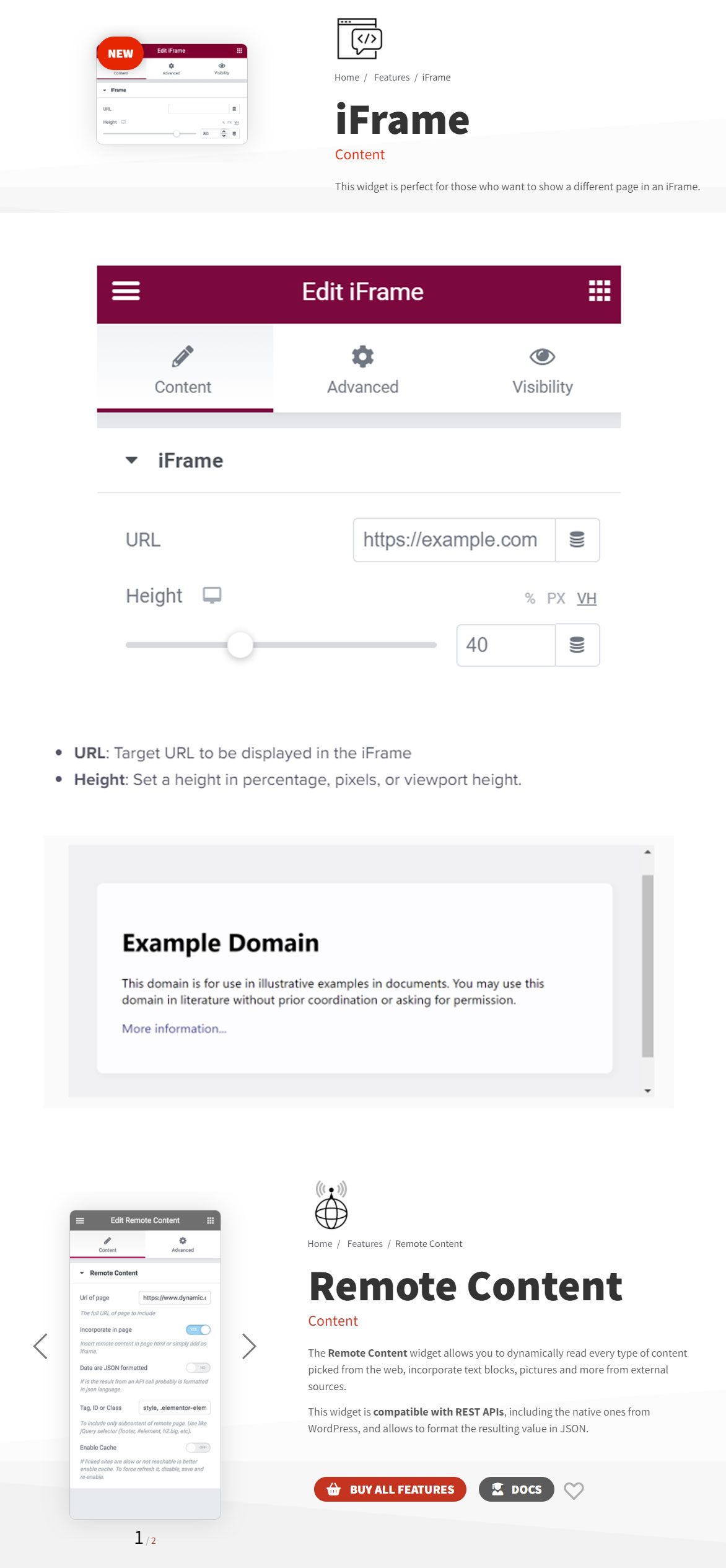
Dynamic.ooo (Dynamic Content for Elementor) has a very simple iframe widget. Enter the URL, set the height, done. No extra features, but also nothing that gets in your way.

A good choice if you already use Dynamic.ooo for its many dynamic features and just need an iframe now and then.

Demo

Conclusion

... of all demo pages for "Iframe" Widget

Dynamic.ooo ²Iframe   Remote_Content

For most cases I’d recommend Element Pack because of the extra options like lazy loading. If you only need a quick embed, Dynamic.ooo does the job too.

One important note: not every website can be embedded. Many sites block iframes for security reasons – so if you only see an empty box, it’s usually the other site, not your widget.

Explore Further Widgets & Extensions

Categories